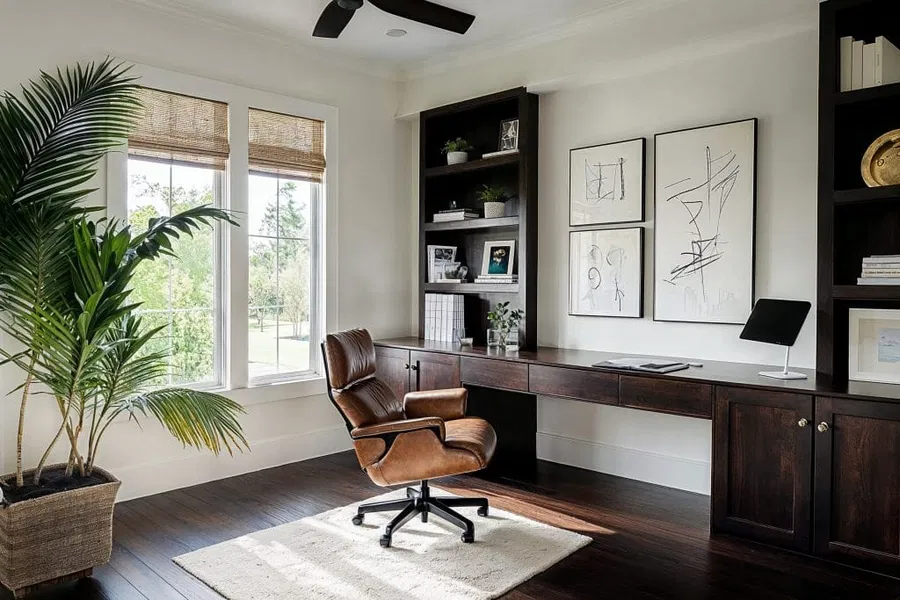
Professionals who work from home depend on clear audio for client calls, team standups, and recorded content. Many discover that a quiet house does not automatically produce clean, intelligible sound.
Sound reflects off hard surfaces, HVAC systems hum, and street noise leaks through windows. Microphones pick up all of it.
A practical setup controls the room first, then pairs those gains with the right microphone and headset. The goal is predictable clarity that holds up across busy workdays and varied environments.
Acoustic Strategy for Real-World Homes

Start With Purpose and Constraints
Begin by defining what “good” means for your work. Live calls, training videos, and focus work each set different priorities. Identify the loudest times of day, who else uses the space, and which changes you can implement without remodeling.
The plan should solve for your most frequent tasks, not rare edge cases.
Map Noise Sources and Surfaces
- Outside: traffic, landscaping, neighbors
- Inside: appliances, HVAC vents, pets, keyboards, chair wheels
- Surfaces: bare walls, glass, desktops, hardwood or tile floors
This map guides treatment and placement so that each action has a purpose.
Core Room Treatment Elements
Rooms rarely need studio-level isolation. Most home offices benefit from basic absorption, smart placement, and simple sealing. The result is less room echo and lower pickup of background noise.
Absorption Where It Matters
- Wall panels: Place broadband panels at first‑reflection points to cut flutter echo and reduce reverb around speech frequencies.
- Corners: If boominess is a problem, add thicker panels or corner traps behind the desk or in front corners.
- Ceiling: A small cloud above the desk helps in rooms with tall or hard ceilings.
Surfaces and Soft Furnishings
- Rug with pad: Breaks up floor reflections that make voices sound distant.
- Bookcases with mixed depths: Add useful diffusion behind you on camera and reduce slapback.
- Curtains: Heavy, lined curtains over windows reduce both reflections and outside noise intrusion.
Isolation Basics (Without Construction)
- Weatherstrip doors and add a door sweep to block gaps.
- Seal cable pass‑throughs and close unused vents during calls if airflow allows.
- Use window inserts or temporary acoustic films where outside noise is persistent.
Quick Wins You Can Do in an Hour
- Move your desk so the mic points away from windows and noisy hallways.
- Place a 2′ × 4′ panel directly behind the mic location and another at the wall to your speaking side.
- Add a dense rug under the desk and chair to cut high‑frequency floor reflections.
Pair Room Treatment With the Right Headset
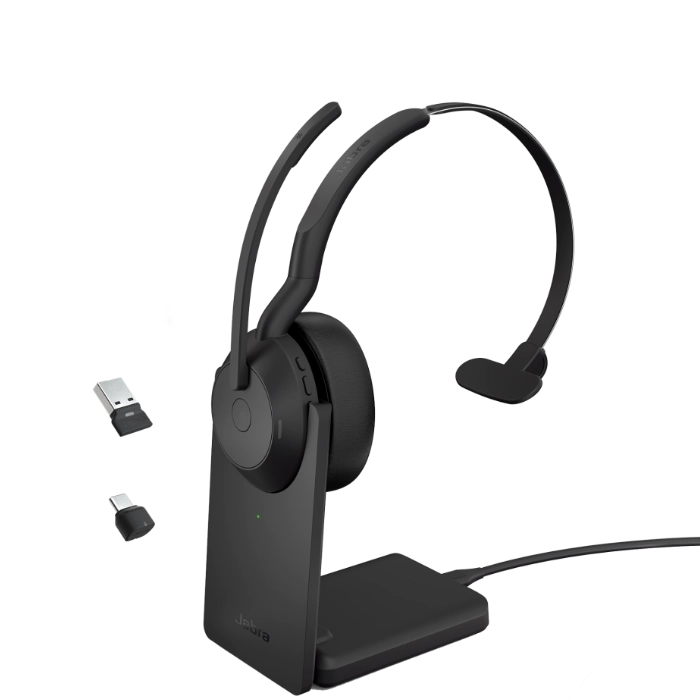
Acoustic fixes reduce the room’s contribution to noise. A close‑talk microphone then captures your voice before the room can color it.
Even basic acoustic panels work better when paired with a computer headset that places a directional boom mic close to your mouth. This combination controls both the source and the environment, giving you consistent results on every call.
What to Look For in a Work-Grade Headset
- Directional boom mic: Choose a cardioid or noise‑canceling boom that sits two finger‑widths from the corner of your mouth. This position improves isolation from keyboards and HVAC.
- Wired USB for reliability: USB headsets remove Bluetooth pairing variables and provide stable levels. If you must move around, keep a wired set as a backup.
- Sidetone and level control: Being able to hear a bit of your own voice reduces shout‑talking and mic clipping.
- Neutral frequency tuning: Avoid bass‑heavy or hyped consumer voicings that make speech muddy.
- Inline mute that is obvious: A large, tactile mute switch with a status light prevents on‑call mistakes.
- Single‑ear vs. dual‑ear: Mono keeps you aware of the room; stereo improves focus in shared spaces.
- Replaceable cushions and boom windscreen: Maintain hygiene and consistent sound over time.
- If wireless: Look for long battery life, reliable multi‑point switching, and a stable dongle or DECT base for better range and fewer dropouts.
Mic Technique That Cuts Noise Further
- Keep the boom off the direct breath path to avoid plosives; angle it slightly to the side.
- Set input gain so normal speaking peaks near –10 dBFS; avoid auto‑gain when possible.
- Mute quickly when you type, shuffle papers, or move chairs.
Placement, Setup, and Testing
Small moves produce large differences in speech clarity. Treat setup as a repeatable process rather than a one‑time guess.
Desk and Camera Layout
- Face a treated wall; place absorption behind and slightly above the display.
- Keep reflective objects (glass frames, bare desktop) out of the mic’s direct line to your mouth.
- If you use a separate camera, put a panel behind you to reduce room depth echo and improve on‑screen presence.
Software and Call Platform Settings
- Disable “always on” background noise suppression if it warbles your voice; use standard suppression first.
- Lock in a fixed input device and sample rate so levels do not drift between apps.
- Record a one‑minute test in your main platform and listen on different speakers to confirm clarity.
Operational Practices That Keep Audio Consistent

Clear sound is the product of daily discipline, not just gear. A few small routines protect quality during busy weeks.
- Quick room reset before calls: close the door, switch HVAC to low, mute desktop notifications, silence nearby smart speakers.
- Soft keyboard and mouse feet to cut click noise.
- Chair mat or felt sliders to reduce scraping sounds when you shift.
- Keep a spare windscreen and a second headset within reach.
- Post a simple “recording” or “on a call” sign for family members or roommates.
Measuring Success
Subjective impressions help, but simple metrics guide steady improvement and keep you honest about results.
- Room echo: RT60 or clap test recording ─ Improves speech intelligibility
- Mic consistency: Peak level stability across calls ─ Reduces editing and retakes
- Background noise: dBA reading before/after treatment ─ Supports client confidence
- Call quality: Post‑call ratings and comments ─ Builds trust with stakeholders
- Uptime: Headset swap and battery incidents ─ Lowers meeting interruptions
Continuous Improvement and Adaptability
Conditions change with seasons, schedules, and neighbors. Keep your setup aligned with work demands through light, regular maintenance.
- Quarterly room check: re‑record a voice sample and compare to your baseline.
- Panel audit: tighten mounts, rotate panels that show wear, and add a small ceiling cloud if clap tests sound brighter.
- Headset upkeep: replace cushions and windscreens, clean ports, and test cables.
- Software pass: confirm that OS updates did not reset input gain or device priorities.
- Feedback loop: ask a trusted colleague to rate clarity on a common scale during a live call.
Sample Kits for Different Scenarios
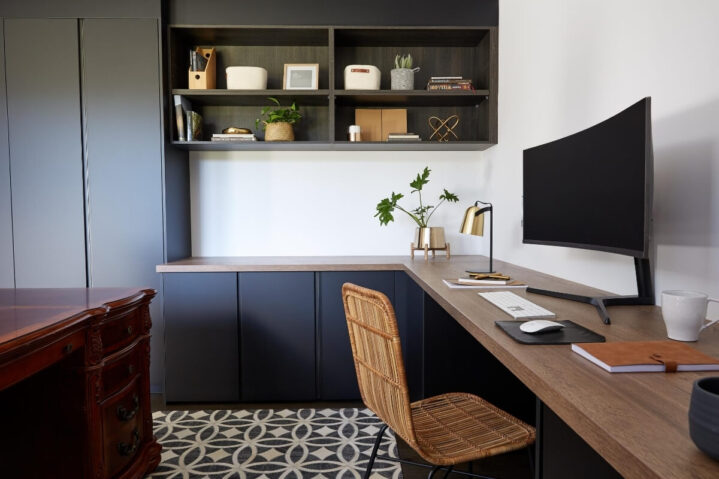
These kits focus on function and repeatability, not studio vanity. Adjust counts to fit your room size.
Starter Home Office
- Two 2′ × 4′ wall panels for first reflections
- Dense area rug with underlay
- Wired USB headset with directional boom and sidetone
- Door sweep and basic weatherstripping
- Inline mute with clear status light
Focused Professional Setup
- Four to six broadband panels; two behind the display, two at the side reflections, optional ceiling cloud
- Corner treatment behind the desk to reduce low‑end buildup
- Wired USB headset plus a travel‑ready wireless unit as backup
- Vibration‑damping feet for desk and chair
- Window inserts for the loudest exterior wall
Shared or Noisy Space
- Additional ceiling cloud over the desk
- Heavy curtains on windows and as a movable divider behind the camera
- Dual‑ear headset with a strong directional mic and clear sidetone
- Keyboard with damped switches and desk pad
- White‑noise bed outside the office door to mask hallway sounds during calls
Future-Ready Home Office
A noise‑resilient setup is not a luxury; it is a way to protect attention, credibility, and time. When room treatment removes echo, and a close‑talk mic trims the rest, you stop fighting your environment and start delivering consistent results.
Treat your space, choose a dependable headset, and review your setup on a schedule. The combination gives you predictable clarity today and a simple path to improvements tomorrow.